Have you ever noticed that two people using the same AI model get completely different results? One gets generic, superficial output; the other gets in-depth analysis, professional-quality copy and working code. The difference isn't the model — it's the prompt. Prompt engineering is the skill that separates people who use AI in a trivial way from those who use it transformatively.
It isn't a mysterious skill. It's a set of concrete techniques you can learn in a few days and apply immediately. In this guide you'll find all of them — from the simplest to the most advanced — with real examples and ready-to-use templates.
Sources: Noy and Zhang, "Experimental evidence on the productivity effects of generative AI", Science (2023)
What prompt engineering is and why it matters
Prompt engineering is the practice of designing text inputs (prompts) for language models so that you get accurate, relevant, high-quality output. It isn't hacking or magic — it's precise communication with a system that has extraordinary capabilities but needs clear instructions to express them.
Large language models such as ChatGPT (OpenAI) and Claude (Anthropic) are trained on enormous amounts of human text. They can reason, write, analyse and create at a very high level — but they're also extremely sensitive to how a request is worded. A vague prompt produces vague output. A precise, structured, contextualised prompt produces precise, structured, contextualised output. The same request worded in two different ways can give results that look as if they came from completely different models.
Basic prompt: "Write a sales email."
Output: a generic email, flat tone, no personalisation.
Advanced prompt: "You're a copywriter with 10 years' experience in B2B email marketing. Write a sales email for an SEO consulting service aimed at an Italian fashion e-commerce business with 50–200 employees. The goal is to get an introductory meeting. Tone: professional but direct, without excessive jargon. Length: max 150 words. Include an A/B-testable subject line."
Output: a targeted email, a calibrated tone, a clear CTA, a professional subject line.
The 5 elements of an effective prompt
Every professional-quality prompt includes five components. You don't always need all of them — it depends on the task — but knowing them lets you choose which ones to use based on how complex the request is.
Give the AI a specific role or identity. "You're a lawyer specialising in Italian employment law", "Act as a senior product manager at a SaaS start-up", "You're a copywriter specialising in email marketing for e-commerce". The role activates the right mental frame and calibrates the tone, vocabulary and depth of the output. It's one of the elements with the biggest impact on quality.
Provide the background information the AI can't know on its own: who you are, who you're working for, what the current situation is, what problem needs solving and what constraints exist. The more relevant context you include, the more relevant the output will be to your specific situation rather than generic. Context is particularly important for complex or very specific tasks.
Describe precisely and unambiguously what you want to achieve. Use clear action verbs: "write", "analyse", "list", "summarise", "compare", "translate", "rewrite". Avoid ambiguous phrasing such as "tell me something about X" or "help me with Y" — the AI does what you literally say, not what you mean. If the task has several steps, break it into numbered steps.
Specify the structure you want for the output: bullet list, table, paragraphs, JSON, markdown, code, script. Also specify the length you want ("in 200 words", "max 500 words", "3 paragraphs") and any style constraints ("no emoji", "formal tone", "no introduction"). If you need a very specific format, provide a template or an example of the structure.
Provide 1–3 input/output examples that show exactly the result you want. This is called "few-shot prompting" and it's one of the most powerful techniques available. If you want an email written in your tone of voice, paste in an email you've already written as an example. If you want analysis in a specific format, show what that analysis looks like. Examples are worth a thousand verbal instructions.
Advanced prompt engineering techniques
Chain of Thought (CoT)
Chain of Thought prompting explicitly asks the model to "reason step by step" before giving its final answer. Instead of asking for the result directly, you ask the model to show its reasoning process. This technique significantly improves performance on tasks requiring logical reasoning, maths, complex analysis and multi-step decisions.
Example: instead of "What's the best strategy for launching this product?", ask: "Analyse this product launch step by step: first identify the relevant market segments, then assess the competitors in each segment, then propose a differentiation strategy, and finally recommend the most effective distribution channels. Show your reasoning for each step."
Role + adversarial prompting
A powerful technique for critical tasks: ask the AI to take on one role and then its opposite. "First argue why this strategy will work. Then argue why it will fail. Then give a balanced assessment." This approach produces much more complete and balanced analysis than a simple request for an assessment, because it forces the model to actively explore both sides.
Iterative refinement
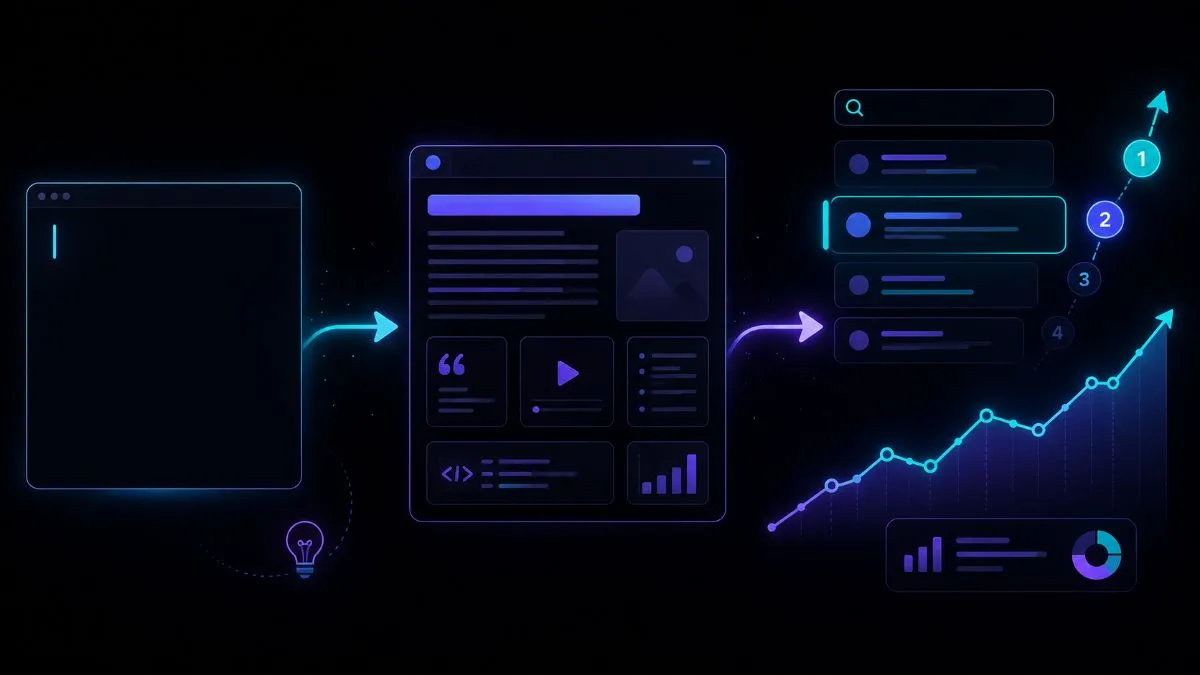
Prompting isn't a one-off operation — it's an iterative dialogue. The first output is rarely the best. Use the model's answer as a starting point and refine it with follow-up instructions: "Great, now rewrite the third paragraph in a more direct tone", "Add a concrete example in section X", "Cut part Y by 50 words". Each iteration improves the result. The best results come after 3–5 rounds of refinement.
System prompts and Custom Instructions
Both ChatGPT (through Custom Instructions) and Claude (through System Prompts in the API or instructions at the start of a conversation) let you set a permanent context that applies to every interaction. Invest 30 minutes in building your base system prompt: who you are, what sector you work in, your preferred tone of voice, which outputs you like and which you avoid, which language you prefer answers in, and which keywords to use or avoid. This system prompt transforms every conversation without you having to repeat the context each time.
Ready-to-use prompt templates
These templates cover the most common use cases. Copy them, customise them with your own details and save them in a shared document so you can reuse them.
"You're a copywriter specialising in [sector]. Write [type of content: LinkedIn post / email / landing page / article] for [company/brand] selling [product/service] to [specific target audience]. The goal is to [goal: generate leads / raise awareness / persuade people to buy]. Tone: [formal / informal / technical / accessible]. Length: [X words]. Include: [specific elements: CTA, statistics, rhetorical questions]. Do NOT include: [elements to avoid: emoji, jargon, clichés]. Below is an example of the tone I want: [example]."
"Analyse [topic/situation/document] from the point of view of [an expert in the field]. Structure the analysis as: 1) Current situation, 2) Strengths, 3) Weaknesses and risks, 4) Opportunities, 5) Concrete recommendations. For each point give at least one specific example. Length: [X words]. If you're unsure about any data or facts, say so explicitly instead of making them up."
"You're an editor experienced in [type of content]. Read the following text and provide: 1) A score from 1 to 10 with your reasons, 2) The 3 main strengths, 3) The 3 main problems with a specific suggestion for fixing each, 4) A rewritten version of the first paragraph as an example of applying the feedback. Text: [paste the text]."
Common prompting mistakes
Prompts for specific use cases: ready-made examples
Theoretical techniques only become useful when you apply them to real tasks. Here are prompts optimised for the most common everyday use cases.
Prompts for copywriting
Copywriting is the most widespread AI use case — and the one where the difference between a basic and an advanced prompt is most visible. An effective prompt for marketing copy must include the brand positioning, the specific target audience, the goal of the communication and the publishing channel (because a LinkedIn post and an email have very different registers).
"You're a copywriter specialising in [sector]. The brand is [name], positioned as [positioning: e.g. premium, accessible, technical, human]. The target audience is [specific persona: e.g. business owner aged 35–50, manufacturing SME, freelance designer]. Write [format: LinkedIn post / email / landing page headline] with the goal of [goal: generating leads / growing followers / selling]. Tone: [formal / conversational / technical / empathetic]. Length: [X words]. Include a CTA with a specific action verb. Do NOT use: stock phrases such as 'we are pleased to', 'cutting-edge solutions', excessive emoji. An example of the tone I like: [paste a real example]."
Prompts for data analysis
AI models that can analyse documents (Claude with uploads, ChatGPT with Code Interpreter) can turn hours of manual analysis into minutes. The key is to provide context on the kind of decision you need to make, not just to ask "analyse this".
"Analyse the data in the attached file. The context is: [company/sector, reference period, what the data measures]. I want to understand: 1) What are the 3 main trends? 2) Are there any anomalies or outliers? 3) What's the correlation between [variable A] and [variable B]? 4) What concrete actions would you suggest based on this data? Present the results with a 3-line executive summary, then the details for each point. If data is missing to answer any question with certainty, tell me explicitly instead of speculating."
Prompts for coding
AI models are excellent at coding — but only if the prompt includes the necessary technical context. Without specifying the language, framework, version and constraints, you get generic code that often doesn't work in your specific environment.
"You're a senior developer specialising in [language/framework, e.g. PHP 8.3 / Laravel 11 / React 18]. Write [what: function, class, component, query] that does exactly this: [precise functional description]. Constraints: [e.g. must be compatible with X, don't use external libraries, must handle edge case Y]. Include: inline comments only for non-obvious logic, error handling and a usage example. Do NOT include: boilerplate that wasn't requested, unnecessary dependencies. If there are several valid approaches, show the one you think is best and briefly explain why."
Prompts for research and synthesis
Using AI to speed up research is one of the highest-ROI use cases — but it requires the prompt to specify exactly the depth, preferred sources and output format. Perplexity AI with web search enabled is often better than ChatGPT and Claude for researching recent data, because it cites its sources and updates them in real time.
"Analyse [company/product/sector] as if you were a senior market analyst. Structure the analysis as: 1) Overview of the sector and market size, 2) Main players and their positioning, 3) Emerging trends over the next 12–24 months, 4) Untapped opportunities, 5) Main threats. Cite sources for each section where possible. Depth: [high-level for an overview / detailed for strategic decisions]. Output format: [bullet points for a quick summary / paragraphs for a report]. If some data isn't available or you're unsure of its accuracy, say so clearly."
Differences between ChatGPT and Claude in prompting
ChatGPT and Claude are both excellent models but respond better to slightly different prompting styles.
Responds well to structured, direct prompts. Excels at creative, coding and multimodal tasks (image analysis). Tends to be more "cooperative" and less critical — if the prompt is ambiguous, it often fills the gaps instead of asking for clarification. For more precise output, be very specific about what you DON'T want. The ecosystem of Custom GPTs and plugins greatly extends its capabilities for specific use cases. To learn more about using ChatGPT in business, read the guide on how to use AI for your business.
Excels at analysing long documents and complex reasoning. Responds very well to prompts with rich context and detailed instructions — the more you give it, the better it works. Tends to be more cautious about uncertain claims (it says "I'm not sure" more often than GPT) and more inclined to ask for clarification if the prompt is ambiguous. Excellent for long-form writing, legal/contract analysis, document review and multi-step reasoning. See Anthropic's official prompt engineering documentation for the most advanced techniques.
Building your prompt library
The real competitive advantage in prompt engineering isn't knowing the techniques — it's having a library of prompts that are tested and optimised for your specific use cases. Every prompt that works well should be saved, categorised and shared with the team.
Organise the library in folders by function: marketing, data analysis, customer service, product development, HR. For each prompt save: the complete prompt, the model it's optimised for, a sample output and the variants you've tested. Tools such as Notion or Obsidian are great for this — or simply create a shared Google Docs document. The library becomes a company asset that grows over time and reduces the overhead of every new use of AI.
Conclusion: prompting is a skill, not a trick
Prompt engineering isn't a set of magic tricks — it's a communication skill you develop through practice. Like learning to write well or give effective presentations, it improves with conscious use and reflection on what works and what doesn't.
Start with the 5-element structure (role, context, task, format, examples). Add Chain of Thought for complex tasks. Always iterate instead of accepting the first output. Build your prompt library over time. After 30 days of daily practice, your use of AI will be unrecognisably better.
I can help you build the right prompts for your specific business and integrate AI into your processes in a concrete, measurable way. Let's talk about your project.
If you want to apply this to your own project, take a look at my digital consulting and fractional CTO service: clear prices from €90/hour, a free quote and a reply within 24 hours.