Every week I get requests from clients who want "a website" — but after 10 minutes of conversation it turns out they actually need a web app. The reverse is just as true: people who want "an application" discover that a well-made website solves the problem at a fifth of the cost. This confusion is expensive: getting the choice wrong means starting again from scratch 12 months later.
In this guide you'll find the concrete differences between a website and a web app in 2026, with real examples from every sector and practical criteria for making the right decision. You don't need a technical background to follow it — you just need to read the questions I ask you carefully.
Sources: Netcraft Web Server Survey (December 2025); StatCounter (2025)
Website: what it is and how it works
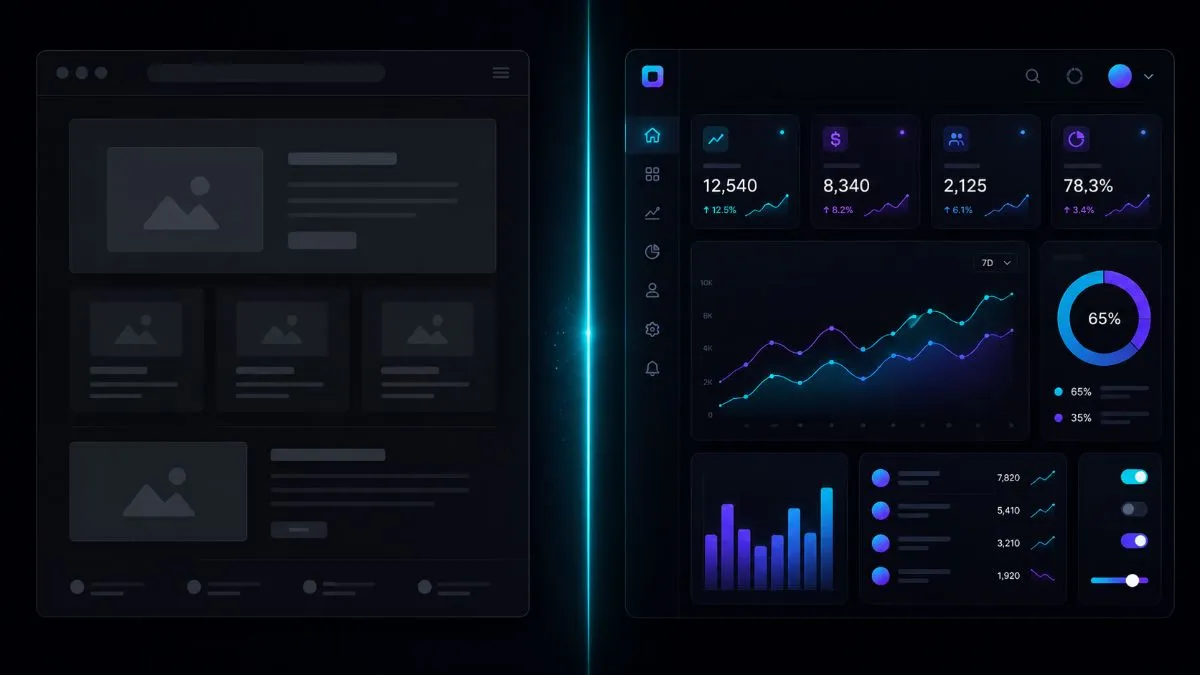
A website is a set of linked pages accessed through a browser, designed mainly to communicate information to the people who visit it. The user is in reading mode: they browse, read, look at images and perhaps fill in a contact form. The system doesn't need to remember who that user is between one visit and the next — every session starts from scratch.
Technically, a traditional website consists of HTML, CSS and JavaScript files served by a server on every browser request. In its most common form in 2026, it's managed by a CMS (Content Management System) such as WordPress, which lets you update content without touching the code. The technical complexity is relatively low, which translates into contained development costs and simple maintenance.
Web app: what it is and how it works
A web app is an application that runs in the browser but behaves like software: it handles user authentication, stores personalised data in a database, processes complex business logic and responds in real time to the user's actions. The system remembers who you are, what you've done and what belongs to you — every user has a unique, personalised experience.
Technically, a modern web app consists of a frontend (often a JavaScript framework such as React, Vue or Svelte) that communicates with a backend (a REST or GraphQL API), which in turn queries a database. This architecture is significantly more complex than a traditional website — it requires more development skills, more robust infrastructure and more careful maintenance over time.
The technical differences that really matter
Beyond the definitions, the differences between a website and a web app translate into concrete impacts on costs, timelines and management complexity. Knowing them helps you make more informed choices.
State and data persistence
Website: every page is essentially independent. The user's "context" (what they've seen, what they've clicked) doesn't affect the content of the following pages. A contact form is typically the most interaction there is.
Web app: state is persistent and complex. An e-commerce cart remembers the products added, a learning platform remembers the lessons completed, a CRM remembers every interaction with every customer. Managing this state reliably is one of the main technical challenges of web app development.
Authentication and authorisation
A website rarely requires a login — and when it does (e.g. a reserved area for customers), it's still a relatively simple feature. A web app almost always has a structured authentication system with sign-up, login and password recovery, and often different roles and permissions for each type of user (admin, standard user, guest). Implementing this system and keeping it secure requires specific experience in application security.
SEO and indexing
Static or CMS-based websites have excellent native SEO: Google easily indexes plain HTML pages. Web apps with client-side rendering (SPAs) have historically had indexing problems because Google had to run JavaScript to see the content. Server-Side Rendering (Next.js, Nuxt) solves this problem but adds technical complexity. If SEO is a priority, the technology choice must be planned carefully from the start.
Performance and scalability
A static website cached on a CDN (Content Delivery Network) is practically impossible to overload and performs excellently at minimal cost. A web app with dynamic, personalised content can't be cached in the same way — it needs always-on servers, optimised databases and infrastructure designed to handle the load of concurrent users. This directly affects hosting costs: from €5–10/month for a static site to €50–500+/month for a web app in production.
- You want to communicate who you are and what you offer
- Organic traffic (SEO) is a priority
- Contained budget (€500–5,000)
- Short timelines (2–8 weeks)
- You want to update the content yourself
- You don't need to manage user accounts
- Users need to do things, not just read
- You need to manage persistent data per user
- The business logic is complex
- Adequate budget (€5,000–50,000+)
- Longer timelines (2–12 months)
- You want to automate internal processes
The question that settles it in 30 seconds
After years of consulting, I've found the question that immediately clarifies the choice in 90% of cases:
If the answer is do — book, buy, upload data, manage an account, interact with other users, complete workflows — you need a web app.
If the answer is read — find out about your services, read articles, contact you through a form — a professional website is the right solution and far cheaper.
There's also a third answer: both. Many real projects combine an SEO-optimised public website (the shop window, open to everyone) with a reserved web app area (the management tool, the customer dashboard, the partner portal). This hybrid architecture is often the smartest solution for growing businesses: you start with the website and add the reserved area when the budget and the need are there.
Types of web app
Not all web apps are the same. Knowing the main architectures helps you understand what you're asking for — and assess developers' proposals with more confidence.
The entire application lives in a single HTML page that JavaScript updates dynamically without reloading the browser. Frameworks: React, Vue, Angular, Svelte. Advantages: a smooth, responsive UX like a native app, fast transitions between sections. Disadvantages: more complex SEO (requires SSR to be indexed properly), longer initial load time. Ideal for: internal B2B tools, dashboards, management apps where SEO isn't a priority.
The server generates the complete HTML for each request before sending it to the browser (or pre-generates the pages statically). Frameworks: Next.js (React), Nuxt (Vue), SvelteKit. Advantages: SEO as good as a static site plus features as rich as an SPA. It's the solution that resolves the conflict between SEO performance and application UX. Ideal for: e-commerce platforms, marketplaces, any app that needs to be found on Google.
A website or SPA that gains capabilities similar to a native mobile app: it can be installed on the device (it appears on the home screen), works offline with a service worker and receives push notifications. It doesn't need to be published on the App Store or Google Play. Ideal for: e-commerce with repeat customers, productivity tools, any app where you want a quality mobile experience without the cost of separate iOS + Android development (which typically triples the budget).
Real costs: how much it costs
The prices below are estimates based on the Italian market in 2026, for work entrusted to quality professionals or agencies. Low-cost options (drag-and-drop platforms, non-customised templates) are cheaper but rarely meet serious business needs in the long run.
Investment: €800–5,000 | Timeline: 3–8 weeks
Includes: custom or semi-custom responsive design, a CMS for managing content yourself, basic SEO (title, meta, sitemap, robots), a contact form, Google Analytics 4 integration, typically 5–15 pages. The cost varies mainly with the complexity of the design and the number of pages.
Investment: €8,000–25,000 | Timeline: 2–5 months
Includes: complete authentication (sign-up, login, password recovery, roles), a user dashboard, CRUD operations (create, read, update, delete) on the main data, a backend API, a relational database, configured hosting. The higher cost compared with a website is justified by the technical complexity and the testing required.
Investment: €25,000–150,000+ | Timeline: 6–18 months
Includes: multi-tenant architecture, a recurring payments system (Stripe Billing), horizontal scalability, monitoring and alerting, a CI/CD pipeline, API documentation. On top of these costs comes ongoing maintenance (typically €500–3,000/month for hosting, updates and support).
The most expensive mistakes when choosing
The role of AI in web development
AI has also significantly changed the web development market. Tools such as GitHub Copilot, Cursor and Claude Code speed up development by 30–50% for developers who use them effectively — which can mean lower costs for clients and faster delivery. Read how to integrate AI into your business processes in the guide on how to use AI for your business.
On the no-code and low-code front, platforms such as Webflow, Bubble and Retool have significantly lowered the technical bar for building advanced websites and some categories of web app. For many use cases — sophisticated landing pages, sites with an advanced CMS, internal management apps — these platforms offer excellent value for money. The limits remain extreme customisation and integration with legacy systems.
The most significant trend is AI-native interfaces: application interfaces where the primary interaction happens through natural language instead of traditional forms and menus. Some categories of web app that started out form-based (product search, configurators, customer support) are moving towards conversational interfaces that reduce friction and increase conversions.
Conclusion: the right choice is made before you start
The distinction between a website and a web app isn't just technical — it's strategic. It defines the budget, the timeline, the skills required and the complexity of maintenance for years to come. Spending 2–3 hours honestly answering the questions in this guide before talking to any developer or agency will save you months of frustration and thousands of euros.
If you're still unsure after reading this guide, it's probably because your project has elements of both: a public informational component (website) and a reserved application component (web app). This is the most common and sensible hybrid solution for growing businesses — and the good news is that it can be built in phases, starting with the most urgent part.
I'll analyse your project, tell you honestly whether you need a website or a web app, and propose the technical solution best suited to your budget and your real goals. Tell me about your project — the first consultation is free.
If you want to apply this to your own project, take a look at my custom web app development service: clear prices from €850, a free quote and a reply within 24 hours.