In 2022 Twitter converted its mobile web version into a Progressive Web App. The result: sessions up 65%, tweets sent up 75%, bounce rate down 20%, and an app size 97% smaller than the native iOS app. This example shows the potential of PWAs — but also the fact that they aren't the right solution for everyone. Knowing when to choose a
What a Progressive Web App is
A Progressive Web App is a website that uses modern web technologies to offer an experience similar to that of a native app. The term was coined by Google in 2015, but the underlying technology has matured significantly since then. A PWA isn't a specific type of technology — it's a set of characteristics a web application may or may not have.
A PWA has three fundamental characteristics:
Service Worker: a JavaScript script that runs in the background and handles caching, background sync and push notifications
Web App Manifest: a JSON file that defines the installed app's name, icons, colours and launch behaviour
HTTPS: mandatory — Service Workers only work over secure connections
PWA vs native app: the complete comparison
The choice between a PWA and a native app is never absolute: it depends on the specific use case, the target audience, the budget and the features required. Let's compare them on every relevant dimension.
- Development cost: 40–60% lower than native iOS + Android
- Distribution: a direct URL, no store, instant updates
- Discoverability: indexed by Google, findable through search
- Size: a few KB vs tens of MB for native apps
- Hardware access: limited — camera, GPS and accelerometer yes; Bluetooth, NFC and advanced sensors with limitations
- Performance: slightly lower for intensive operations
- Development cost: higher — requires two separate codebases or a cross-platform framework
- Distribution: App Store / Play Store — an approval process and 15–30% fees
- Discoverability: only in the stores, no SEO
- Size: typically 50–200+ MB
- Hardware access: complete — every sensor and API on the device
- Performance: optimal for intensive graphics and gaming
When to choose a PWA: the ideal use cases
PWAs aren't the right solution for every project. Here are the cases where they're the optimal choice.
E-commerce PWAs combine the SEO discoverability of the web with the smooth experience of an app. Starbucks built a PWA that works offline (it lets you browse the menu and customise your order even without a connection), weighs 233 KB compared with the 148 MB of the native iOS app, and doubled the number of daily web orders after launch.
News, magazines, educational platforms, podcasts: any application where content is the main product is excellently suited to a PWA. The Washington Post cut loading time by 88% with its PWA and increased retention among readers arriving from organic search.
Dashboards, simplified CRMs, project management tools, intranet applications: for tools used mainly on desktops or laptops with modern browsers, PWAs eliminate the need for installation, simplify company-wide deployment and allow updates without service interruption.
In markets where internet connections are slow or intermittent (and where the cost of mobile data matters), PWAs with offline operation and small sizes are often better than native apps. Uber, for example, built a PWA specifically for these markets.
When NOT to choose a PWA
The Service Worker: the technical heart of a PWA
The Service Worker is the JavaScript script that makes a PWA's advanced features possible. It runs in the background, separately from the main web page, and intercepts network requests to implement sophisticated caching strategies.
The main caching strategies a Service Worker can implement:
- Cache First: checks the local cache first, then the network. Ideal for static assets (CSS, JS, images) that rarely change.
- Network First: tries the network first and uses the cache as a fallback. Ideal for content that must always be up to date but also has to work offline.
- Stale While Revalidate: serves immediately from the cache while updating the cache from the network in the background. A great balance between speed and data freshness.
- Cache Only: from the cache only. For resources that never change (fonts, system icons).
Google's Workbox library greatly simplifies implementing Service Workers with predefined caching strategies and easy-to-use APIs. It's the de facto standard for PWA development in 2026.
PWAs and iOS: the limits you need to know
Apple has historically limited PWA support on iOS to protect the App Store ecosystem. In 2024, European regulatory pressure (the Digital Markets Act) forced Apple to expand PWA support on iOS, but some limitations remain.
On iOS, PWAs installed on the home screen still have limitations compared with Android: cache storage is limited to a few MB (on Android it can be much larger), push notifications on iOS require iOS 16.4+ and are only supported for installed PWAs (not those opened in the browser), and some web APIs are available in Chrome/Android but not in Safari/iOS.
If your target audience mainly uses iPhones — which in Italy means around 50–60% of smartphones — these iOS limitations must be considered when choosing between a PWA and a native app. For some use cases, a hybrid approach (a PWA + a native wrapper via Capacitor or Ionic) lets you combine the advantage of a single codebase with distribution on the App Store.
How a PWA is built: technologies and frameworks
A PWA can be built with any modern web technology. The JavaScript frameworks most used for PWAs in 2026 are:
The most widespread full-stack React framework. PWA support comes through the next-pwa plugin, which integrates Workbox automatically. Great for e-commerce, dashboards and complex web applications. Native support for Server-Side Rendering and Static Generation improves Core Web Vitals.
A progressive framework appreciated for its gentle learning curve. Nuxt.js (the Vue meta-framework) includes an official PWA module with simplified configuration. Popular in Europe, with excellent documentation.
Google's enterprise framework with native PWA support via @angular/pwa. Ideal for complex B2B applications with many features and medium to large development teams.
Metrics for evaluating a PWA: Lighthouse and Core Web Vitals
Google Lighthouse is the official tool for evaluating the quality of a PWA. Available directly in Chrome DevTools (the Lighthouse tab), it analyses the page on four dimensions: Performance (Core Web Vitals), Accessibility, Best Practices and SEO. The PWA category was removed from Lighthouse 10 as a separate checklist and folded into the other categories.
A well-built PWA scores: Performance 90+ (Core Web Vitals in the green), Accessibility 90+ (accessible to users with disabilities), Best Practices 100 (HTTPS, no console errors, no known vulnerabilities) and SEO 100 (correct meta tags, robots.txt, sitemap). This high score is also a prerequisite for good indexing on Google.
PWA installation: optimising the install prompt
One of the most underrated aspects of PWA development is optimising the installation flow. The browser shows an install prompt automatically when the PWA meets certain criteria (a complete Web App Manifest, a registered Service Worker, HTTPS, the user having visited the site at least twice), but showing the prompt at the right moment can make the difference between a 2% and a 20% installation rate.
Best practice is to
On iOS there's no automatic install prompt: users have to find the "Add to Home Screen" option in Safari's Share menu themselves. This means user education is essential: a tooltip or banner explaining the procedure ("Tap the Share button, then 'Add to Home Screen' for a better experience") significantly increases the installation rate on iPhone.
PWA performance: advanced optimisation strategies
A slow PWA is a contradiction in terms: if the experience isn't at least comparable to a native app in perceived speed, the PWA's competitive advantage shrinks dramatically. Performance optimisation is therefore not optional but fundamental.
The PWA-specific performance strategies that make a real difference: App Shell Architecture — cache the app's basic interface (header, navigation, layout) separately from the content, so the visual structure appears instantly while the content loads; Critical CSS inlining — the CSS needed for the first visual render is inlined in the HTML to eliminate blocking network requests; Aggressive lazy loading — images, components and non-critical scripts load only when the user is about to see them; Strategic precaching — Workbox can precache in the background the pages the user is likely to visit next, based on the links on the current page.
The result of these optimisations is measurable: a well-optimised PWA on slow 3G should load and become interactive within 3 seconds (First Contentful Paint under 1.8s, Time to Interactive under 3.8s). These numbers aren't achievable with an unoptimised traditional website, but they're the standard for a competitive PWA in 2026.
PWAs for e-commerce: the Flipkart case study and the lessons you can apply
Flipkart, India's largest e-commerce company, was one of the pioneers of PWAs in 2015. After trying a native app (rarely downloaded by users on slow connections and devices with little storage), it released Flipkart Lite — a PWA. The results: 3x more time spent in the app, a 40% higher re-engagement rate and 70% of conversions coming from new users.
Flipkart's lessons that apply to any e-commerce business: the barrier to installing a PWA is much lower than for a native app (no store download, no storage space needed), which leads to a broader user base even if it's less "committed"; offline browsing of products already viewed is particularly appreciated where connectivity is intermittent; and push notifications with personalised offers have open rates 4–7 times higher than traditional email marketing.
For a small or medium-sized e-commerce business, converting the site into a PWA — adding a Service Worker and a Web App Manifest and optimising performance — can be one of the technical initiatives with the best ROI, especially if a significant share of traffic comes from mobile on connections that aren't always fast, as can happen in some areas.
Push notifications in PWAs: implementation and best practices
Push notifications are one of the most powerful features of Progressive Web Apps — and one of the easiest to misuse. A well-calibrated push notification can bring a user back to the site with a click-through rate 400% higher than an email marketing message. An aggressive or irrelevant push notification gets blocked by the user and the permission revoked — almost impossible to recover.
Technically, implementing push notifications in a PWA requires three components: asking the user for permission (through the browser's Notification API), a service that manages subscriptions (the Push Manager API) and a backend that sends notifications via the Web Push protocol. Libraries such as web-push for Node.js greatly simplify the server side.
The golden rules for push notifications in PWAs: only ask for permission after the user has shown real interest (not as soon as they arrive on the site), explain clearly what they'll receive before asking for permission ("Get updates on new articles"), personalise notifications based on the user's preferences or behaviour, limit the frequency (at most 1–2 notifications a week for a content blog, more often only for e-commerce with time-sensitive offers), and always include an easy way to manage or turn off notifications from within the PWA itself.
The opt-in rate for push notifications varies enormously by sector and by when permission is requested. The overall average is about 10–15% of users visiting a site. For PWAs that offer clear value in their notifications, it can reach 30–40%. The comparison with the 2–5% sign-up rate for traditional newsletters explains why push notifications, when handled responsibly, are one of the most effective re-engagement channels available.
Auditing and optimising an existing PWA: from website to PWA step by step
If you already have a working website and want to turn it into a PWA, the process is simpler than it looks. You don't need to rewrite everything from scratch: it's about adding the technology layers progressively, one at a time.
Step 1: add HTTPS if it isn't already there (mandatory — without HTTPS, Service Workers don't work). Step 2: create the Web App Manifest with name, short_name, icons in all standard sizes (72, 96, 128, 144, 152, 192, 384, 512px), theme_color, background_color and display: "standalone". Step 3: register a basic Service Worker with a caching strategy for static assets. Step 4: optimise your Core Web Vitals using Lighthouse as a guide. Step 5: add a custom installation flow. Step 6: implement push notifications if appropriate for your use case.
Each step adds PWA features independently — you can stop at any point and still have an improved experience compared with the original website. This "progressive" nature is part of the technology's very name.
PWAs and SEO: how progressive web apps are indexed
One of the most frequent questions about PWAs concerns their SEO impact. The good news: Google indexes PWAs exactly like traditional websites. Googlebot runs JavaScript, interprets the rendered DOM and indexes the content. There's no direct SEO penalty or advantage to being a PWA.
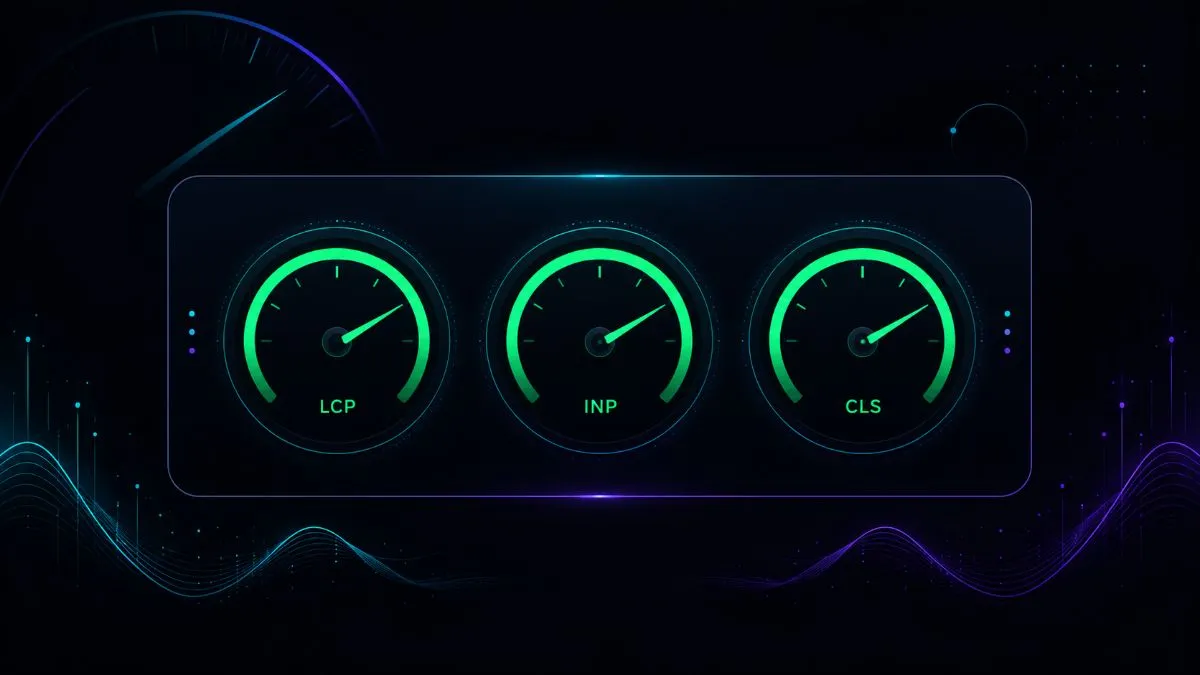
What affects SEO indirectly is technical performance, and here well-optimised PWAs tend to excel: Core Web Vitals (LCP, INP, CLS) measure the quality of the user experience and are confirmed Google ranking factors. A PWA with an App Shell Architecture, a Service Worker with optimal caching and minimised resources almost always achieves better Core Web Vitals than an unoptimised traditional website.
The main SEO risk in PWAs built with heavy JavaScript frameworks (React, Vue, Angular without SSR) is client-side rendering: the content is generated by JavaScript in the browser instead of being present in the initial HTML. Google can index JavaScript content, but with a longer delay than static HTML. The solution is
To check that your PWA is indexed correctly, use the URL Inspection tool in Google Search Console: enter the URL of a PWA page and check the rendered markup — it should show the page's full content, not just the empty HTML shell.
Conclusion: the PWA is the next evolutionary step for websites
The Progressive Web App isn't a niche technology for advanced technical projects: it's the natural evolution of any website that wants to offer a modern user experience. It doesn't replace native apps in every case — but for most businesses, e-commerce stores and B2B tools, it offers the best balance of development cost, performance, discoverability and maintenance.
If you're deciding whether to build a PWA, a native app or improve your existing website, explore the web app development service or contact me to discuss your specific case.
The best technology is the one that solves your specific problem in the most efficient way — not the most advanced one in absolute terms.
If you want to apply this to your own project, take a look at my custom web app development service: clear prices from €850, a free quote and a reply within 24 hours.