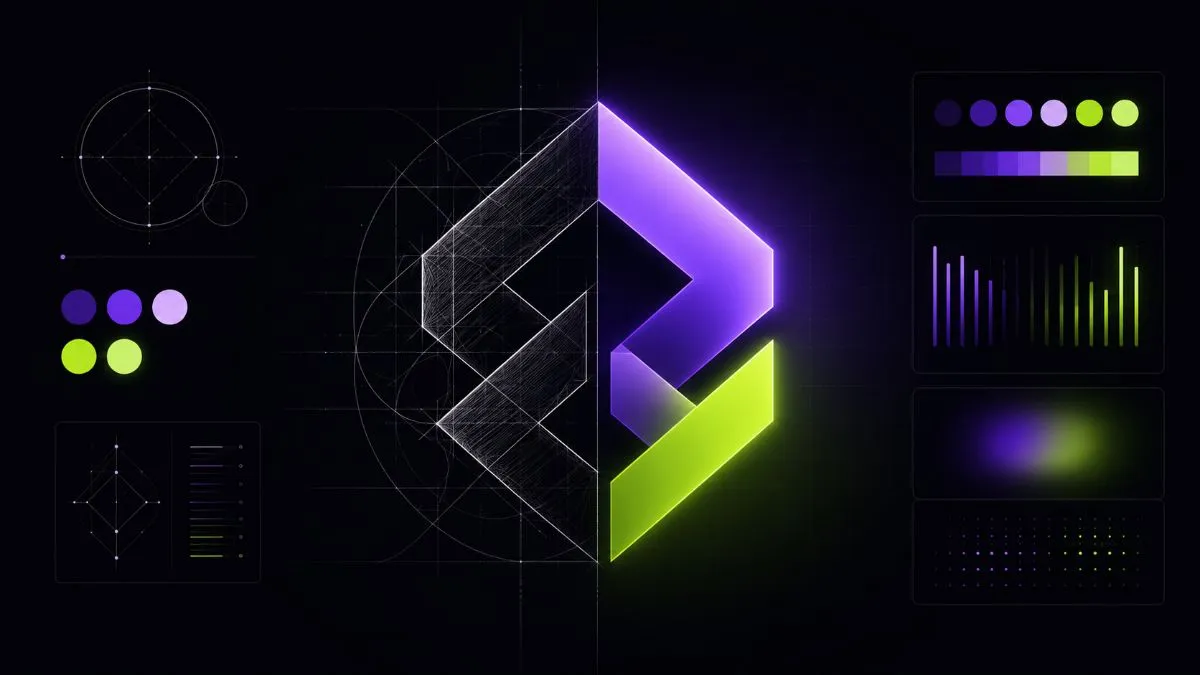
Think of the last brand that really struck you. You probably don't remember exactly what it did — but you remember how it made you feel. That feeling isn't accidental: it's the result of a carefully designed visual system in which every graphic element communicates something precise and consistent. That is the power of a professional visual identity.
In 2026, in a market where every sector is crowded and consumer attention is worth its weight in gold, visual identity is one of the most underrated strategic assets for small Italian businesses. Those who build it well gain a concrete competitive advantage: they're recognised faster, perceived as more trustworthy and convert better. Those who neglect it or build it badly unconsciously communicate that they aren't worth trusting.
Sources: Lindgaard et al., Behaviour & Information Technology (2006); Stanford Web Credibility Project (2002)
What visual identity is — and why it isn't just the logo
Visual identity is the systematic set of graphic elements that represent a brand in a recognisable, consistent way across every touchpoint: website, social profiles, packaging, printed materials, presentations, email signature. It isn't a collection of nice-looking graphics — it's a visual language with precise rules that communicates who you are, what you do and why you're different from your competitors.
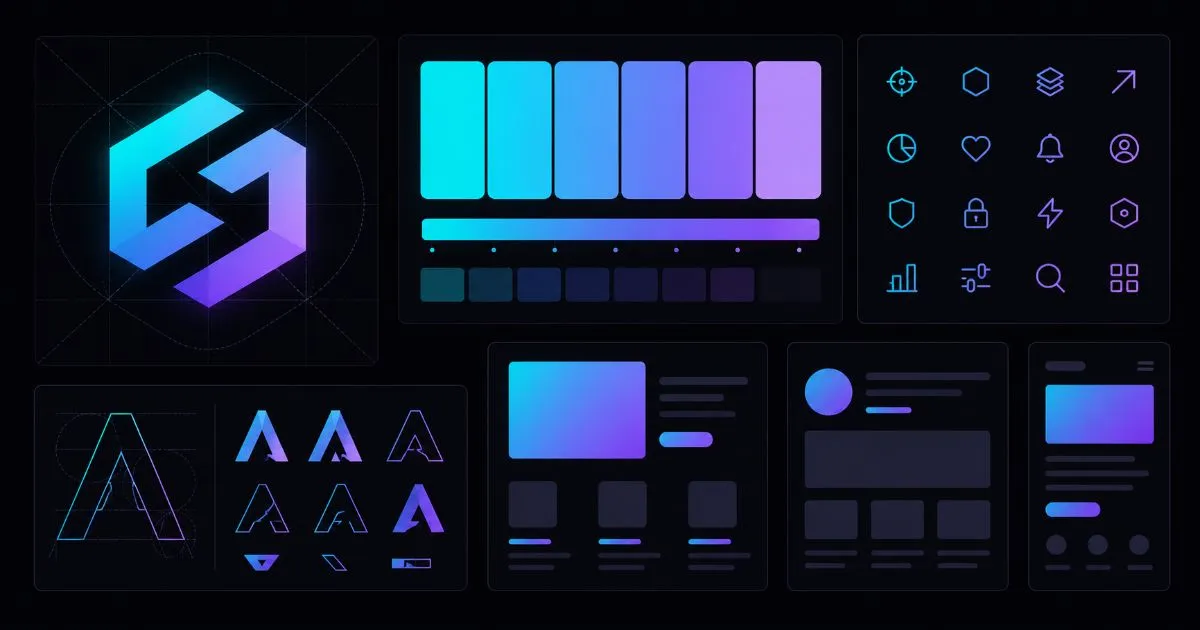
The most common confusion is between the logo and the visual identity. The logo is a single element — the brand's graphic symbol. The visual identity is the complete system: logo, colour palette, typography, iconography, photography, patterns, visual tone. A logo without a system is like having a name without a personality — identifiable but not memorable.
The 5 fundamental elements of a visual identity
Every professional visual identity is built on five pillars that work together as an organic system. Changing one alters the perception of all the others — which is why they must be designed together, not separately.
The logo
The brand's main and most recognisable symbol. A good logo meets three fundamental criteria: it's simple (it works and is recognisable even at 16 pixels, like a favicon), versatile (it works on light backgrounds, dark backgrounds and in monochrome) and relevant (it communicates something about the sector, the values or the brand's personality without being too literal). There are 5 main types: wordmark (text only), lettermark (initials), symbol (standalone icon), combination mark (symbol + text) and emblem (symbol integrated with text). No type is better than the others — there's simply the one that best suits your context of use.
The colour palette
Colour is the first element to be registered and remembered. The human brain processes colour before shape and before text — which is why it's the most powerful recognition tool in a visual identity. A professional palette is structured on three levels: a primary colour (the most used, the one that defines the brand's identity), secondary colours (1–2 complementary colours for accents and variations) and neutral colours (2–3 tones for backgrounds, text and white space). Every colour should be documented with its HEX values (for digital), RGB (for screen), CMYK (for print) and Pantone (for precision professional printing).
Typography
A typeface conveys the brand's personality subliminally but powerfully. A traditional serif communicates authority and tradition; a geometric sans-serif communicates modernity and clarity; a characterful display face communicates personality and creativity. A professional typographic system uses at most 2 font families: one for headings (with a distinctive character) and one for body text (with legibility at small sizes as the absolute priority). Using 3 or more different families is almost always a mistake — it creates visual noise instead of consistency.
Iconography
A consistent icon set is often the most neglected yet most impactful element of digital interfaces. Every icon should share the same style (outline or filled, never mixed), the same stroke weight, the same corner radius and the same grid size. Inconsistent icons look sloppy even when everything else is polished. Services such as Phosphor Icons, Heroicons or Lucide offer complete, consistent sets for free.
Photography
A brand's photographic style is as much a part of its visual identity as the logo. A consistent photographic colour palette (saturated vs desaturated colours, warm vs cool tones), a recognisable compositional approach (plenty of white space vs busy scenes, people vs products) and a consistent lighting style make every brand photo instantly recognisable even without seeing the logo. For digital brands without a budget for professional photography, services such as Unsplash and Pexels offer free photos — always choose images that are stylistically consistent with each other, not simply the most beautiful photo.
Before you design: the 5 strategic questions
The most common mistake when building a visual identity is to start designing before answering fundamental positioning questions. The result is an identity that's aesthetically pleasing but strategically empty — nice to look at but unable to say anything specific to the right audience.
- Who are you? — Sector, history, distinctive skills, core values. What makes you different from everyone else doing the same thing?
- Who is your ideal customer? — Not "everyone" or "businesses". A specific person: age, profession, aspirations, frustrations, how they make purchasing decisions.
- Who are your 3–5 direct competitors? — How do they position themselves visually? Which colours do they use? What's their visual tone? The answer tells you what to avoid in order to stand out and what to adopt to respect the sector's codes.
- How do you want to be perceived? — Choose 3 adjectives that describe the perception you want: e.g. "professional, innovative, approachable". Every visual decision should be filtered through these 3 adjectives.
- Where will the identity live? — Digital only (website + social)? Print too (cards, brochures)? Physical packaging? Merchandise? The answers determine the formats you need and the technical constraints of the system.
Tools for building your visual identity
The right tool depends on your skill level, your budget and the complexity of the project. Here's an honest comparison of the main options available in 2026.
The tool used by almost all professional designers in 2026. The free version is generous and covers most use cases for individual projects. Strengths: native vector editing, real-time collaboration, a community with thousands of templates and plugins, precise export for developers. Learning curve: medium (2–4 weeks to master the basics). Recommended if you work regularly with developers or agencies.
Perfect for people without design skills who need to produce professional materials independently and quickly. Canva Pro's Brand Kit (€13/month) lets you save colours, fonts and logos and apply them to any template with one click. Main limitation: less control over the technical details of exports (not ideal for professional print or handoff to developers). Great for day-to-day production of social and marketing content.
The reference tool for logos and vector illustrations intended for professional print. Essential if you need output for packaging, embroidery, laser engraving or signage. Its integration with Adobe Fonts and colour management for print (CMYK, Pantone) are superior to other tools. Cost: €28/month on its own, included in Creative Cloud. Learning curve: high.
Platforms that automatically generate logos, palettes and fonts from a few pieces of information about the brand. The cost is modest (€65–200 one-off for the complete files). They're useful for exploring visual directions quickly and for anyone on a very tight budget. The main limitation is originality: the system works with combinations of existing elements, so the result is rarely truly distinctive. It always needs customising for a professional result.
The 6-step process for building a visual identity
Building a professional visual identity requires a structured process. Skipping the initial research and strategy phases to jump straight to the creative phase is the main reason identities look good but don't work in the real world.
Gather 20–30 visual references that inspire you and that fit the personality of the brand you want to build. Sources: Behance, Dribbble, Awwwards, Pinterest. Then analyse what they have in common: which colours recur? What kind of typography do they use? How visually dense are they? This moodboard is the visual brief — the shared starting point for the creative phase. Without it, all feedback becomes subjective and unproductive.
Start from the emotion you want to evoke in your ideal customer. Colours have well-established psychological associations that are culturally shared in the West: blue conveys trust and competence (banks, tech, healthcare); green communicates nature, health and sustainability; orange and yellow communicate energy, optimism and accessibility; purple communicates creativity, luxury and spirituality; red communicates passion, urgency and strength. Also analyse your competitors' colours: do you want to stand out or respect the sector's codes? Use Coolors.co to build harmonious palettes and always check WCAG AA contrast for digital accessibility.
Choose two complementary font families. Google Fonts offers hundreds of free options for commercial use. For headings, look for a typeface with character — something that communicates the brand's personality. For body text, legibility at 14–16px on screen is the absolute priority. Always test both fonts together in a sample document: they should create harmony, not visual competition. Check that the fonts you choose include the accented characters you need (à, è, ì, ò, ù for Italian, for example) — not every Google font includes them.
Create at least 3 versions of the logo: the main colour version (for neutral backgrounds), a version for dark backgrounds (often requiring contrast adjustments) and a black-and-white monochrome version (for black-and-white print, embroidery, engraving). The main logo must work properly at 16px (favicon), 100px (social profile), 400px (site header) and 2000px+ (large-format print). If it doesn't work at all these sizes, it needs simplifying.
Before finalising the identity, apply it to real mockups of the main touchpoints: business card, website header, Instagram post (feed and stories), LinkedIn cover, email signature, presentation template. Only by seeing the identity applied to real materials can you judge whether it truly works as a consistent system. Many problems only become visible at the application stage — insufficient contrast, fonts unreadable at small sizes, colours that clash — and stay hidden as long as you're only working on the logo in isolation.
Document everything in a shared Brand Manual: exact colour codes (HEX, RGB, CMYK, Pantone), fonts with their name and specific weight (e.g. "Inter SemiBold 600", not just "Inter"), logo variants with their contexts of use and forbidden uses (don't distort, don't change the colours, don't add effects), minimum clear space around the logo, examples of correct application and examples of mistakes to avoid. This document is worth as much as the identity itself: without it, consistency gets lost over time.
Mistakes that destroy a visual identity
Visual identity for digital brands: specific rules
Brands that live mainly online have specific needs that traditional visual identity guides often ignore. The digital ecosystem requires additional versions and formats that should be planned from the very start of the project.
An often overlooked aspect is visual consistency in micro-interactions and the UI: button colours, form styles, error and success messages, tooltips, loading animations. These elements aren't decorative — they communicate the same personality as the logo. A brand that invests in a polished visual identity but then uses generic UI components loses consistency exactly where users interact the most.
Visual identity trends
Brand design evolves in line with broader cultural trends. Knowing the current trends doesn't mean you have to follow them — it means you can choose consciously whether and how to incorporate them into your identity.
Selective maximalism is the reaction to ten years of dominant minimalism. Brands use textures, geometric patterns, illustrations and saturated colours to stand out in social feeds full of uniform content. It isn't a return to the kitsch design of the '90s — it's minimalism enriched by one strong distinctive element.
Typographic logos — wordmarks with custom or semi-custom typography and no iconic symbol — are growing because they work better on digital channels: legible at any size, they don't require people to associate a symbol with the brand, and they adapt better to the horizontal formats of banners and headers. They do, however, require an investment in custom or semi-custom typography to make them original.
Accessibility as standard, not as an exception: minimum WCAG AA contrast (4.5:1 for normal text) has become a de facto requirement, not only for legal reasons but because it improves readability for all users. Design tools such as Figma now include contrast checking natively.
Conclusion: a visual identity is an investment, not a cost
A well-built professional visual identity lasts 5–10 years without needing a complete rebrand. Spread over that period, the initial investment — even €2,000–3,000 for professional work — has a negligible annual cost compared with the value it generates in recognisability, trust and differentiation.
The starting point shouldn't be the budget — it should be strategic clarity about who you are, who you're talking to and how you want to be perceived. With that clarity, even a visual identity built with accessible tools such as Canva or Figma can be professional and effective. Without it, even the most expensive designer will produce something aesthetically pleasing but strategically useless.
I help professionals and businesses build consistent, memorable visual systems, from strategic positioning analysis to a complete brand manual. Explore the Brand Identity service or contact me directly for a tailored quote.
If you want to apply this to your own project, take a look at my logo design and brand identity service: clear prices from €800, a free quote and a reply within 24 hours.